Website workflow layers
Existing websites upgraded with forms, qualification flows, CRM handoffs, dashboards, and review screens.
Book a discovery call- Engagement
- Estimated after discovery
- Timeline
- Phased after discovery
When this is the right step
The contact form delivers vague enquiries
Two sentences and an email address are not enough for a quote. Your team asks for everything that matters in a second round.
Enquiries land in the inbox and stay there
What comes in through the website is copied into the CRM by hand, or not at all. Who follows up is not settled.
The website informs and can do nothing more
Visitors read and leave. The site cannot qualify, offer a time or ask for documents.
What changes for your team
- The site collects structured information instead of vague inquiries
- Visitors move through a clear flow before your team gets involved
- Follow-up work starts in CRM, dashboard, or automation instead of email threads
- The workflow can later grow into a portal, dashboard, or full business application
The Approach
The work starts by identifying where the website stops being content and starts creating work for the business. That workflow is then turned into forms, logic, integrations, dashboards, or review screens without forcing a full platform rebuild too early.
The Outcome
Your website becomes the front door to a real business process: visitors submit better information, teams receive structured data, and follow-up work starts from a reliable system instead of an inbox.

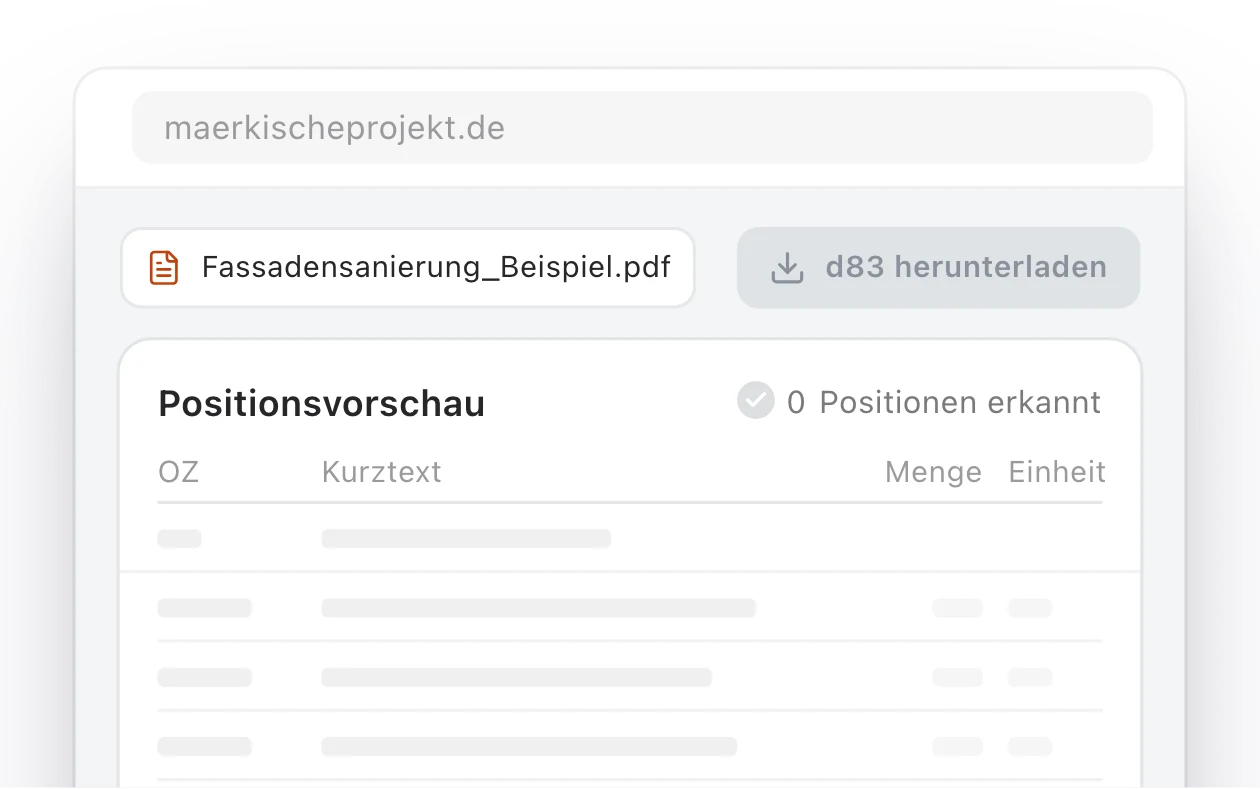
 Märkische Projekt BauRead the case study
What you get
Build focus
- Lead qualification, intake, application, and request flows attached to an existing website.
- Forms with validation, routing, notifications, CRM handoff, and analytics.
- Conversion dashboards, reporting views, and lightweight admin screens.
- AI assistants, content workflows, and automation rules where they remove manual work.
- SEO, performance, accessibility, and deployment handled around the workflow layer.
- A path from public website workflow to portal, dashboard, or full application when needed.
Included
- Workflow map for the visitor action and internal follow-up.
- Public form, intake, calculator, or application flow.
- Validation, routing logic, CRM sync, and notifications.
- Analytics, event tracking, and conversion reporting.
- Dashboard or admin review layer for operational follow-up.
- Performance, accessibility, SEO, and deployment setup.
The service deck as a PDF
The compact PDF for this service: starting point, approach, scope, and next step on three pages.
Get the deck by email
Enter your email address and the PDF lands in your inbox.
Frequently Asked Questions
- How is this different from a landing page?
- A landing page mainly explains and converts. A website workflow layer captures structured information, routes it, connects it to business tools, and gives your team a way to review or act on it.
- How is this different from a full application?
- It is narrower. The goal is to add the first useful product behavior to an existing website before committing to a broader portal, dashboard, or business application.
- Can it connect to CRM, analytics, or AI features?
- Yes. CRM sync, analytics, notifications, AI assistants, admin review screens, and automation rules can all be included when they support the workflow.
Related work
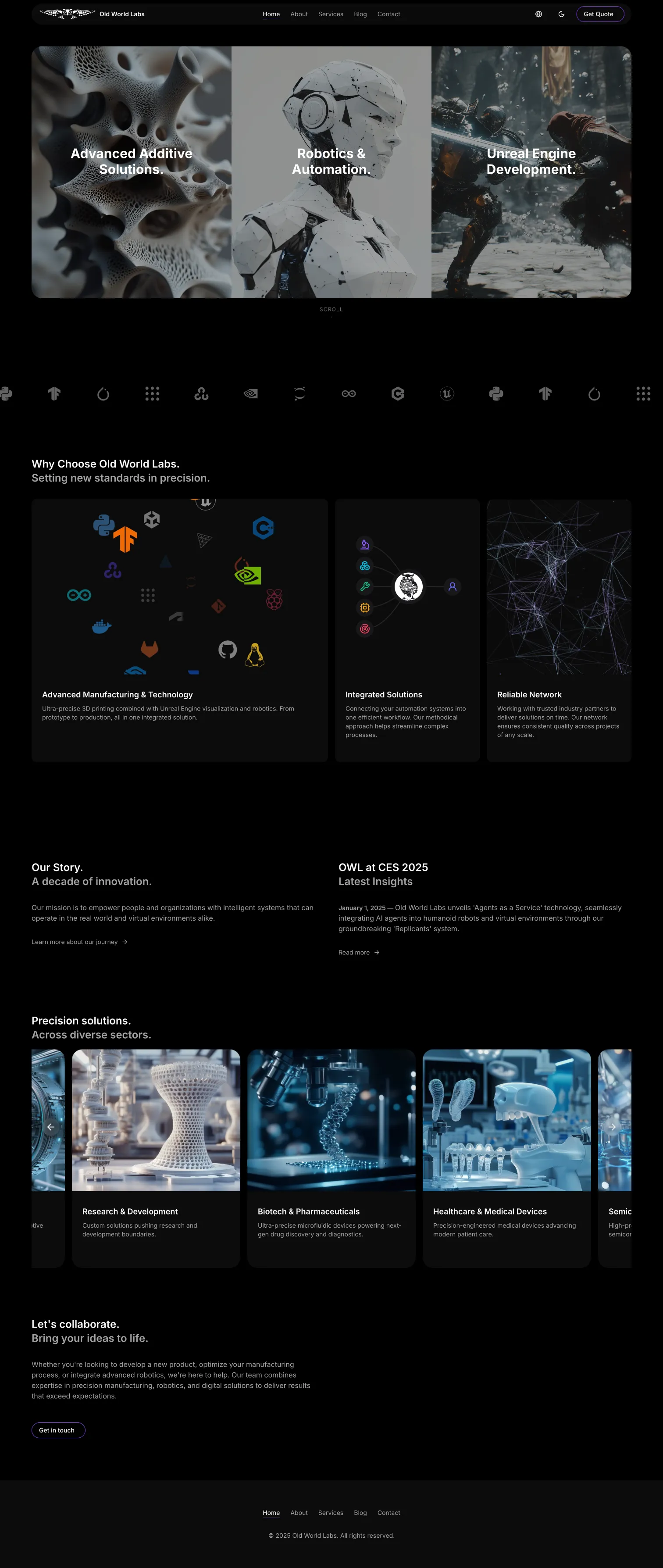
A Digital Presence for Precision Manufacturing and AI Robotics
How webvise built a high-performance, multilingual web platform for Old World Labs, a company operating at the intersection of additive manufacturing, robotics, and Unreal Engine development.
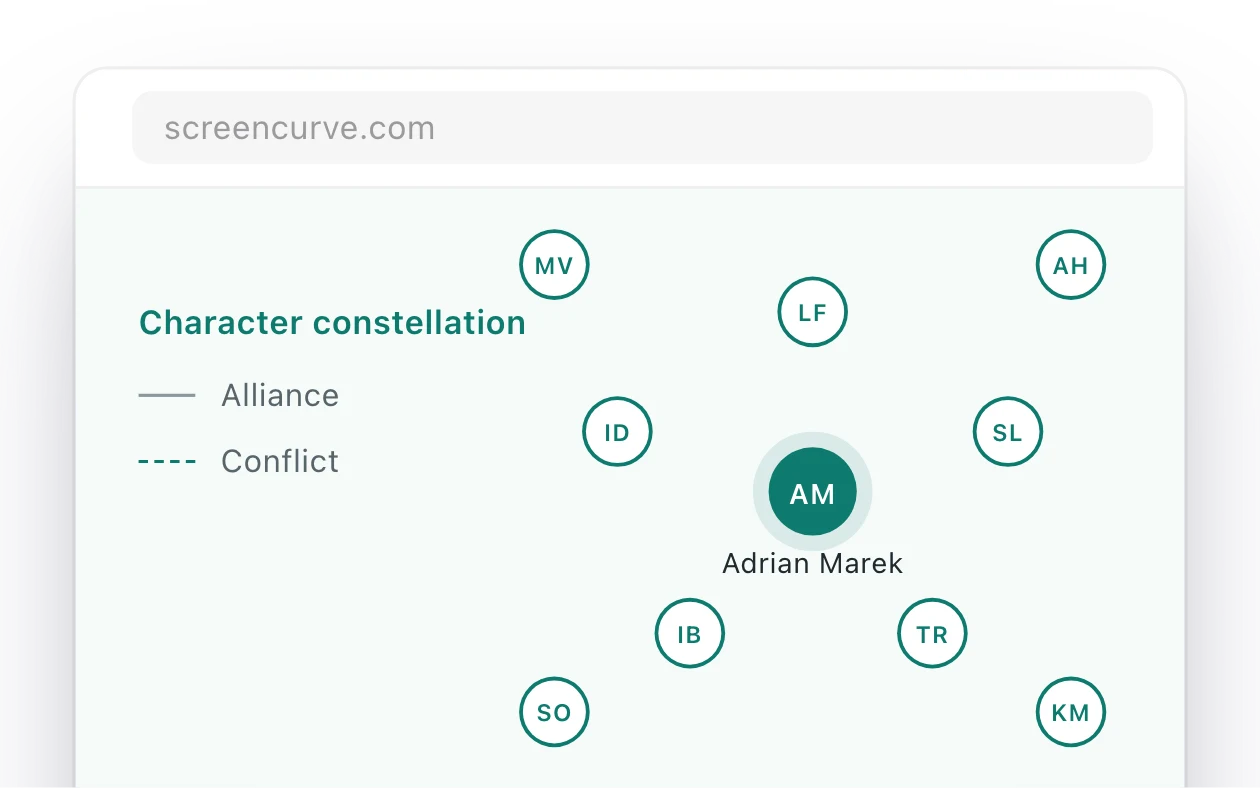
Screencurve: an app that watches an episode and writes its format bible
Screencurve analyses film and TV material and writes the format bible for an episode or a series. Every finding links to the timecode and frame it came from, so a producer can check it in the player.
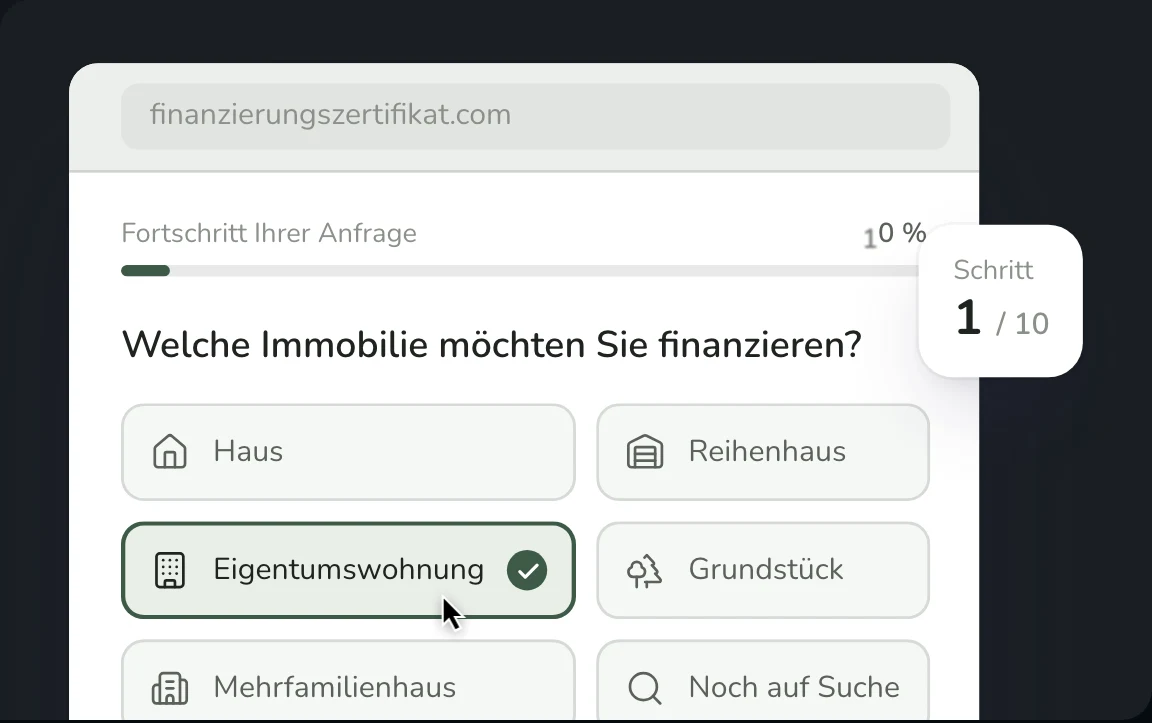
Financing Certificate Platform for a Berlin Real Estate Service
Full-stack platform with automated PDF certificates, 10-step financing form, and admin dashboard for finanzierungszertifikat.com, a real estate service helping property buyers prove their creditworthiness to agents and sellers in under 24 hours.