AI workflow automation
Production AI workflows for repeated operational steps, with structured inputs, review states, monitoring, and fallbacks.
Book a discovery call- Engagement
- Estimated after discovery
- Timeline
- 3-6 weeks
When this is the right step
Your team is drowning in repetitive work
Your team spends hours every week on data entry, report formatting, and copying information between systems. Repetitive admin work usually means the system is missing.
You're sitting on data you can't use
Your knowledge base, documents, and internal data are scattered across tools. AI-powered retrieval makes that knowledge instantly accessible to your entire team.
You tried no-code automation and hit the wall
Zapier got you started, but now you need conditional logic, error handling, and integrations that don't exist as pre-built connectors. Custom automation picks up where no-code tools stop.
The Approach
The workflow that wastes the most hours per week gets a focused AI automation built around it. Every automation is tailored to your existing tools and processes, with guardrails that keep humans in the loop where it matters.
The Outcome
Measurable time savings from day one. Your team stops doing repetitive work and starts focusing on decisions that actually need a human. The automation runs reliably in production with monitoring and fallbacks built in.

 Rautenberg Pitch EngineRead the case study
What you get
Build focus
- Custom AI agents and assistants
- Workflow automation
- Knowledge retrieval systems (RAG)
- Third-party API integrations
- Data pipeline automation
- Monitoring and alerting
Included
- Automation workflows running on your real data and tools, configured end to end
- A custom AI agent or assistant assigned to the task it owns
- Integration documentation covering every system the automation touches
- A monitoring dashboard that shows what ran, what failed, and what needs review
- A maintenance playbook so the automation survives staff and tool changes
The service deck as a PDF
The compact PDF for this service: starting point, approach, scope, and next step on three pages.
Get the deck by email
Enter your email address and the PDF lands in your inbox.
Frequently Asked Questions
- What kind of AI features can you build?
- Document processing pipelines, conversational interfaces, classification systems, content generation tools, and custom AI agents. The work is planned around the workflow, data sources, review steps, and controls your team needs in production.
- How do you handle data privacy with AI?
- The privacy model is chosen during planning. Some builds use API-based models with no training on your data and strict access controls; sensitive workflows can use private or on-premise deployment when required.
- What's the typical ROI timeline for AI automation?
- ROI depends on task volume, error cost, review steps, and run cost. It is estimated during planning, then validated against actual time saved once the first production workflow launches.
- What's the first thing you typically automate for a client?
- Whatever the team complains about most. Usually it's document processing, report generation, or pulling data from one system into another. The first build targets the task that wastes the most hours per week, then expands from there. One working automation builds more internal buy-in than any strategy deck.
Related work
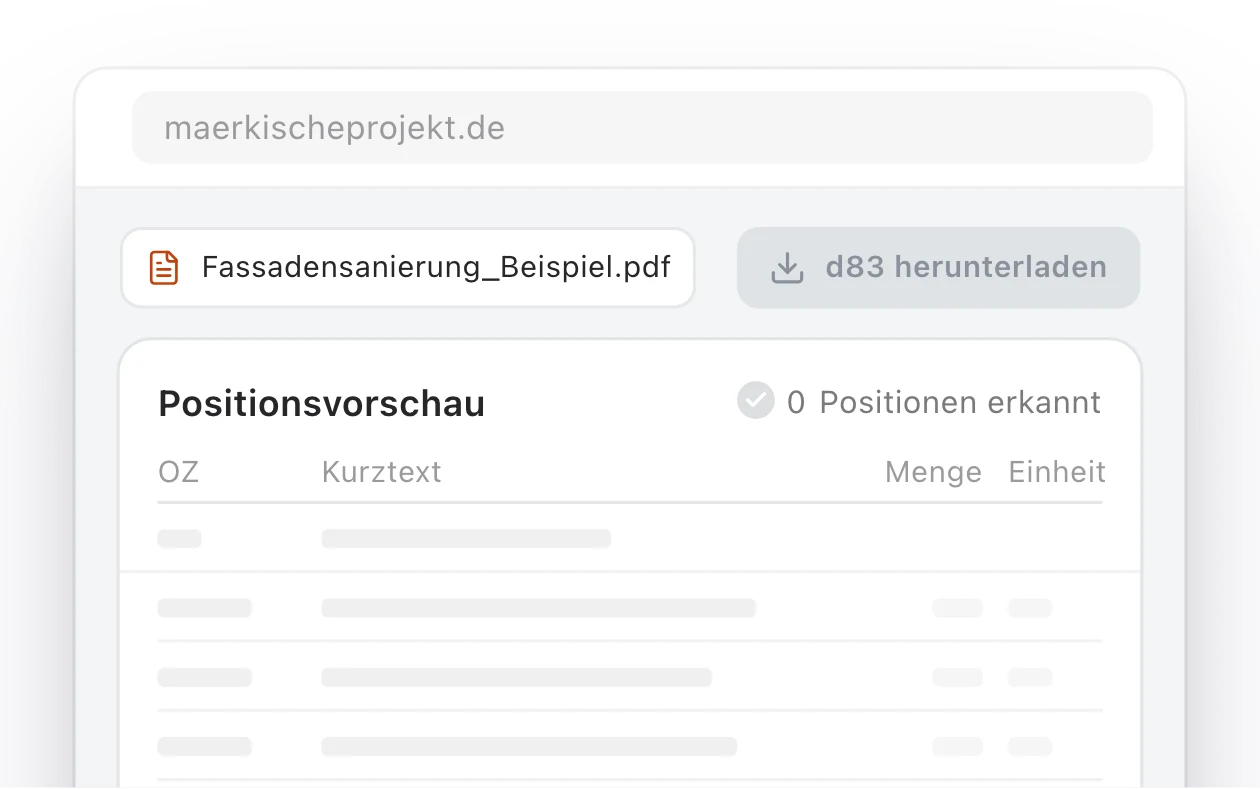
Märkische Projekt Bau: a relaunched website and in-house AI portal for a Brandenburg construction firm
How an outdated website became a modern web platform for Märkische Projekt Bau, and then grew into an internal AI portal that converts tender documents into GAEB files and calculates quantity takeoffs from construction plans.
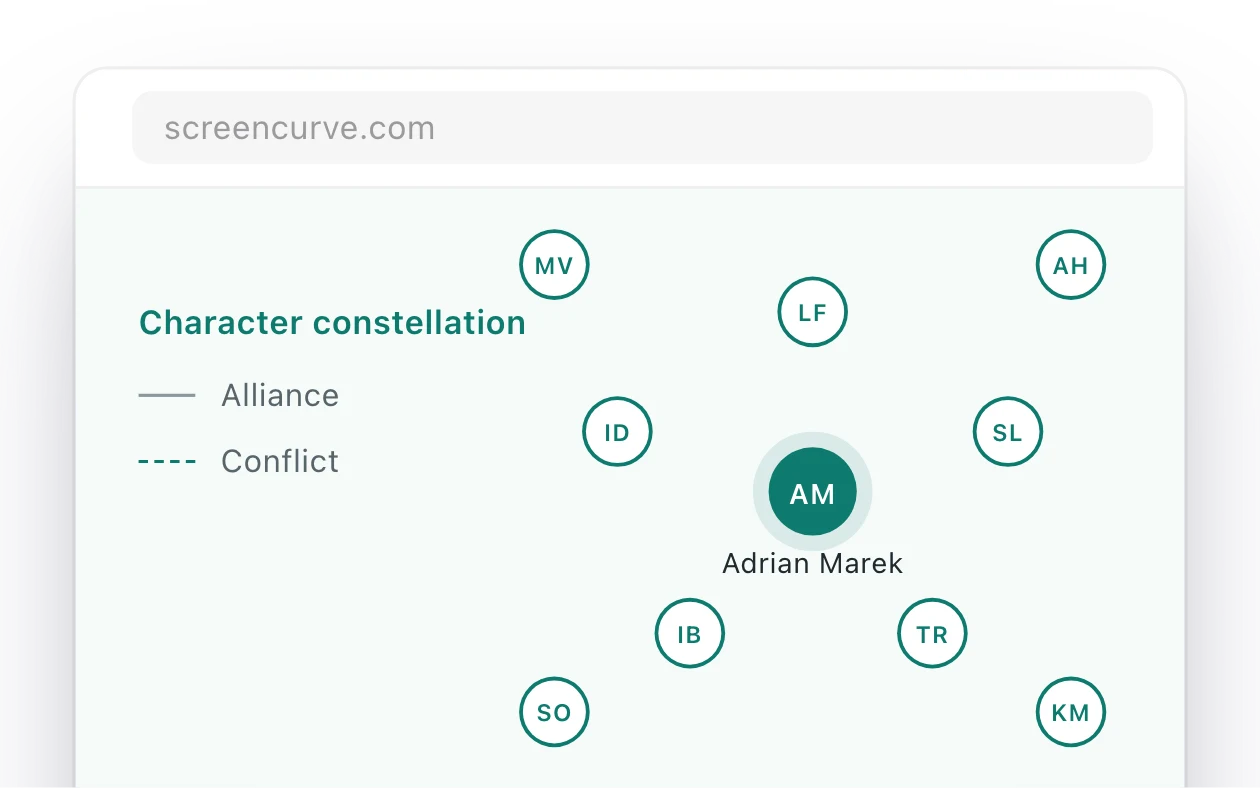
Screencurve: an app that watches an episode and writes its format bible
Screencurve analyses film and TV material and writes the format bible for an episode or a series. Every finding links to the timecode and frame it came from, so a producer can check it in the player.
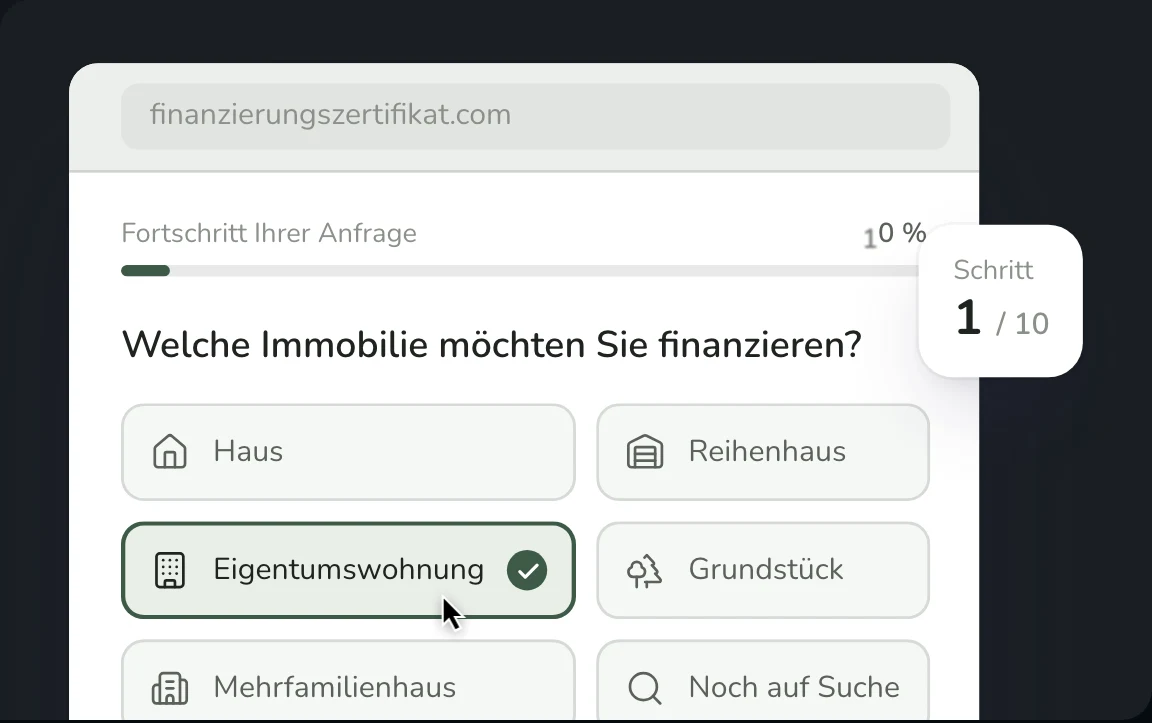
Financing Certificate Platform for a Berlin Real Estate Service
Full-stack platform with automated PDF certificates, 10-step financing form, and admin dashboard for finanzierungszertifikat.com, a real estate service helping property buyers prove their creditworthiness to agents and sellers in under 24 hours.