Internal tools and dashboards
Dashboards and admin tools for managing data, workflows, users, and operations in one place.
Book a discovery call- Engagement
- Estimated after discovery
- Timeline
- Phased after discovery
When this is the right step
The data lives in spreadsheets nobody maintains
Operational data sits in several spreadsheets and inboxes. Whoever needs an answer asks the person who last had the file open.
Nobody sees who is working on what
Tasks move by chat and word of mouth. What is open and who owns it only shows when something is left undone.
Reports are built by hand
For every report someone copies numbers together. That costs hours each week and puts errors into decisions.
What changes for your team
- Operational data moves out of spreadsheets into one place your team trusts
- Every task and record has an owner and a next step visible to everyone
- Reports come from the system itself, with the copy-paste step gone
- The tool grows with the workflow instead of being rebuilt every two years
The Approach
The work starts by mapping the operational workflow, the people involved, the decisions they make, and the systems that already hold the data. From there, the interface, backend logic, permissions, and integration layer are designed as one product.
The Outcome
Your team gets a practical operations system that replaces spreadsheets, scattered admin screens, and manual handoffs with one reliable application.
 ScreencurveRead the case study
What you get
Build focus
- Role-based admin dashboards for teams, managers, and operators.
- Editable data tables with filtering, search, bulk actions, and audit-friendly changes.
- Internal CRM views for leads, customers, members, partners, or suppliers.
- Reporting dashboards that combine operational data into useful decisions.
- Workflow status views for approvals, assignments, queues, and handoffs.
- Integrations with forms, CRMs, databases, email, analytics, and existing tools.
Included
- Login, permissions, and team roles.
- Dashboard overview with the metrics that matter.
- CRUD interfaces for operational data.
- Search, filters, sorting, exports, and activity history.
- Notifications, assignment flows, and approval steps.
- Deployment, monitoring, and post-launch improvement support.
The service deck as a PDF
The compact PDF for this service: starting point, approach, scope, and next step on three pages.
Get the deck by email
Enter your email address and the PDF lands in your inbox.
Frequently Asked Questions
- Can you replace our spreadsheets or Airtable base?
- Yes. Spreadsheet-driven operations can become a custom application with roles, validation, workflows, reporting, and integrations while preserving the useful parts of your current process.
- Can this connect to our existing tools?
- Usually yes. Common integrations include CRMs, forms, email platforms, analytics tools, databases, payment systems, and internal APIs. Integration effort is planned before the build starts.
- Do you also design the UX?
- Yes. The same engineer works on workflow understanding, UX structure, backend logic, and deployment, so the interface is designed around real operational decisions.
Related work
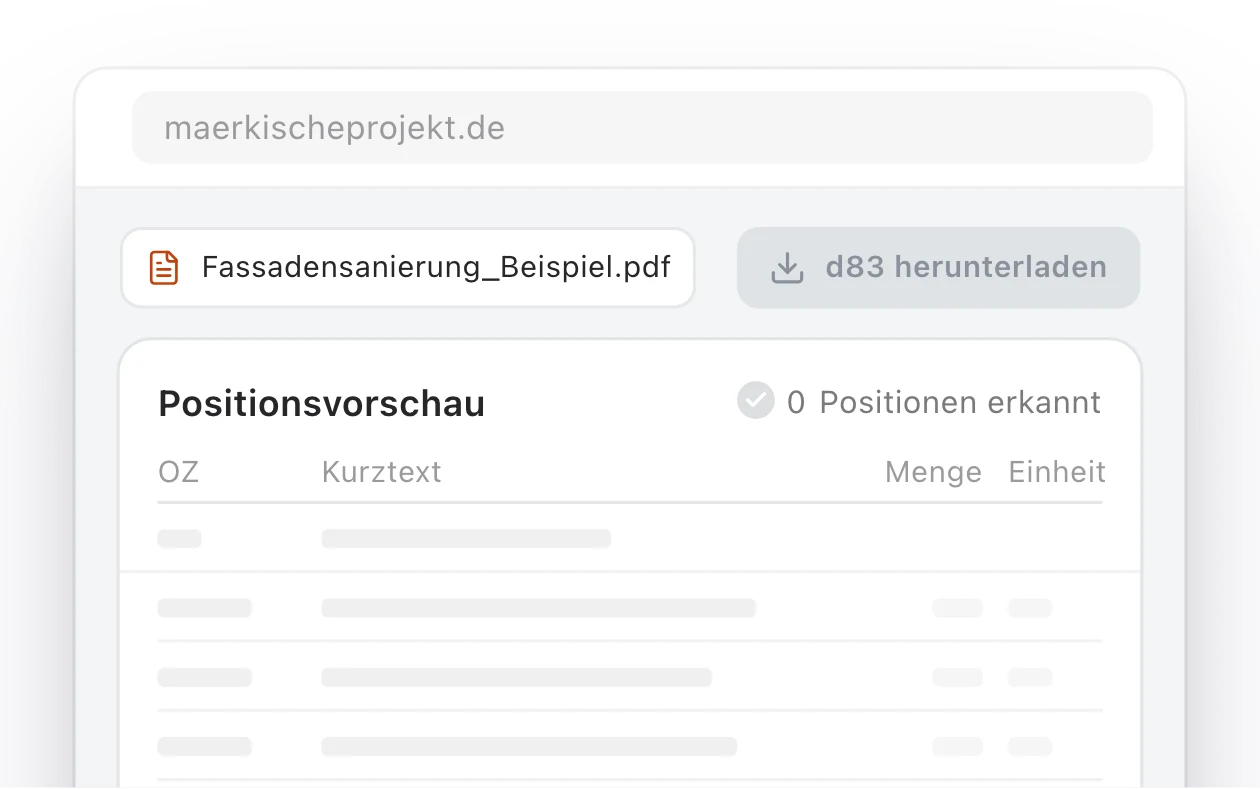
Märkische Projekt Bau: a relaunched website and in-house AI portal for a Brandenburg construction firm
How an outdated website became a modern web platform for Märkische Projekt Bau, and then grew into an internal AI portal that converts tender documents into GAEB files and calculates quantity takeoffs from construction plans.
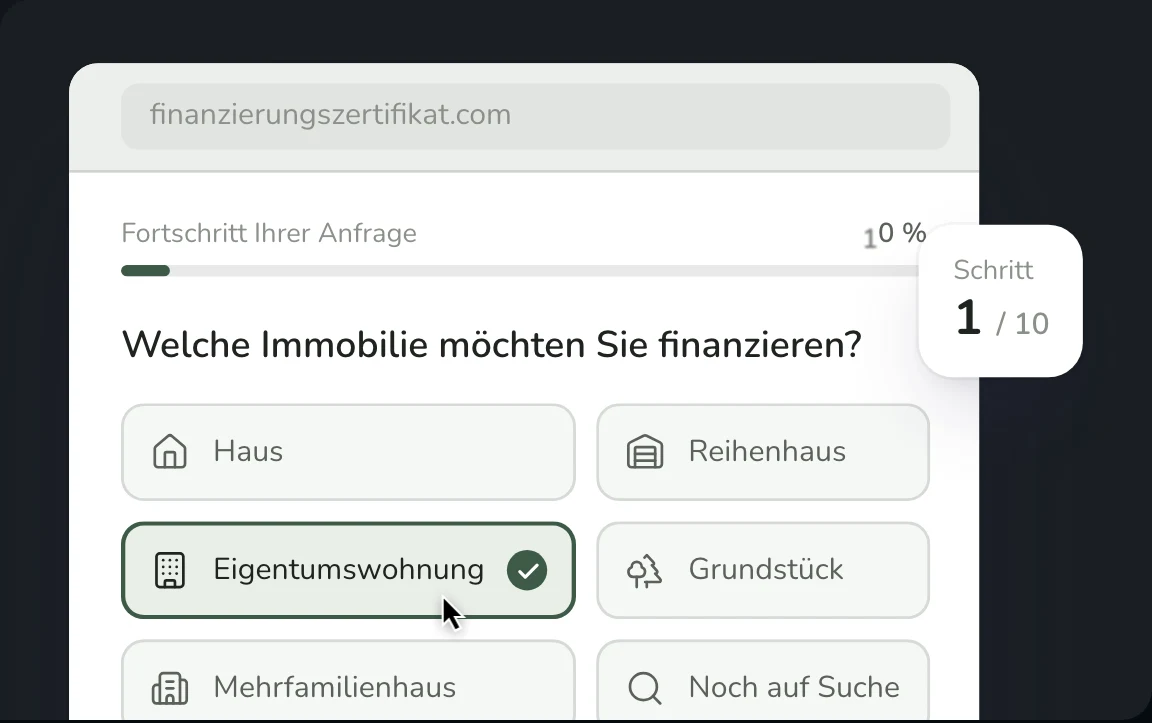
Financing Certificate Platform for a Berlin Real Estate Service
Full-stack platform with automated PDF certificates, 10-step financing form, and admin dashboard for finanzierungszertifikat.com, a real estate service helping property buyers prove their creditworthiness to agents and sellers in under 24 hours.
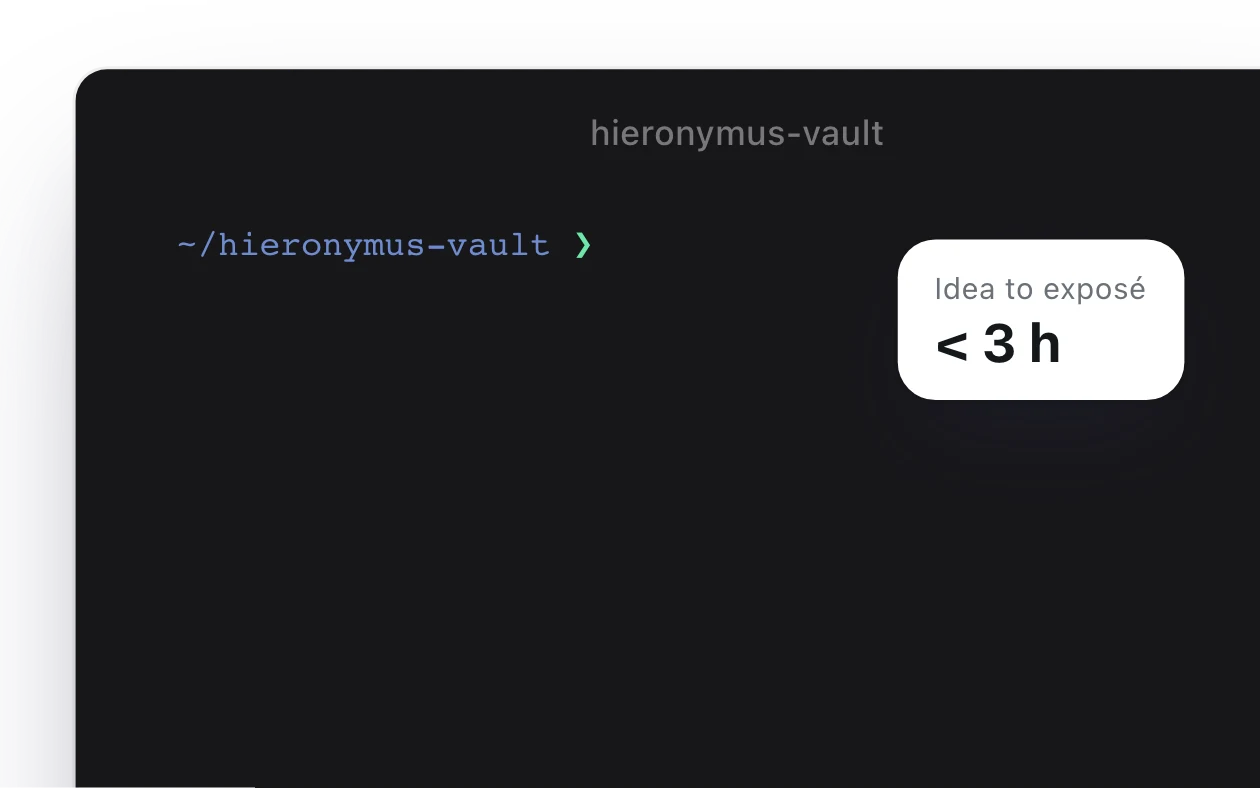
A Claude Code Research Studio for a Documentary Producer
A private AI research and writing studio for a documentary producer pitching to Germany's largest public broadcasters. Hieronymus Vault combines an Obsidian-native knowledge base, a versioned stylometric corpus, custom Claude Code skills, and a multi-agent fan-out architecture. Idea to broadcaster-ready DOCX in under three hours. In his voice. Every claim source-traced.