Client portals and business apps
Secure portals and business apps with login, roles, files, forms, and workflow status.
Book a discovery call- Engagement
- Estimated after discovery
- Timeline
- Phased after discovery
When this is the right step
Status questions fill the inbox
Clients ask by email and phone where their request stands. Your team pieces the answer together every time.
Files live in attachments and folders
Documents arrive by email, file transfer and messenger. In the end only one person knows which version counts.
Forms end in a spreadsheet
What clients submit is copied over by hand. Details get lost, and follow-up questions cost days.
What changes for your team
- Status questions answer themselves in the portal instead of arriving by email
- A branded login experience that holds files, forms, and history in one place
- Users see where their request stands without asking anyone
- The portal becomes the base layer for the next digital service you launch
The Approach
The work starts by defining who uses the portal, what they should see, what they can change, and what the business needs to manage behind the scenes. The portal is then designed as both a user-facing product and an internal operations tool.
The Outcome
Customers, members, or partners get a clear place to complete tasks, submit information, access files, and follow progress while your team keeps control from the backend.
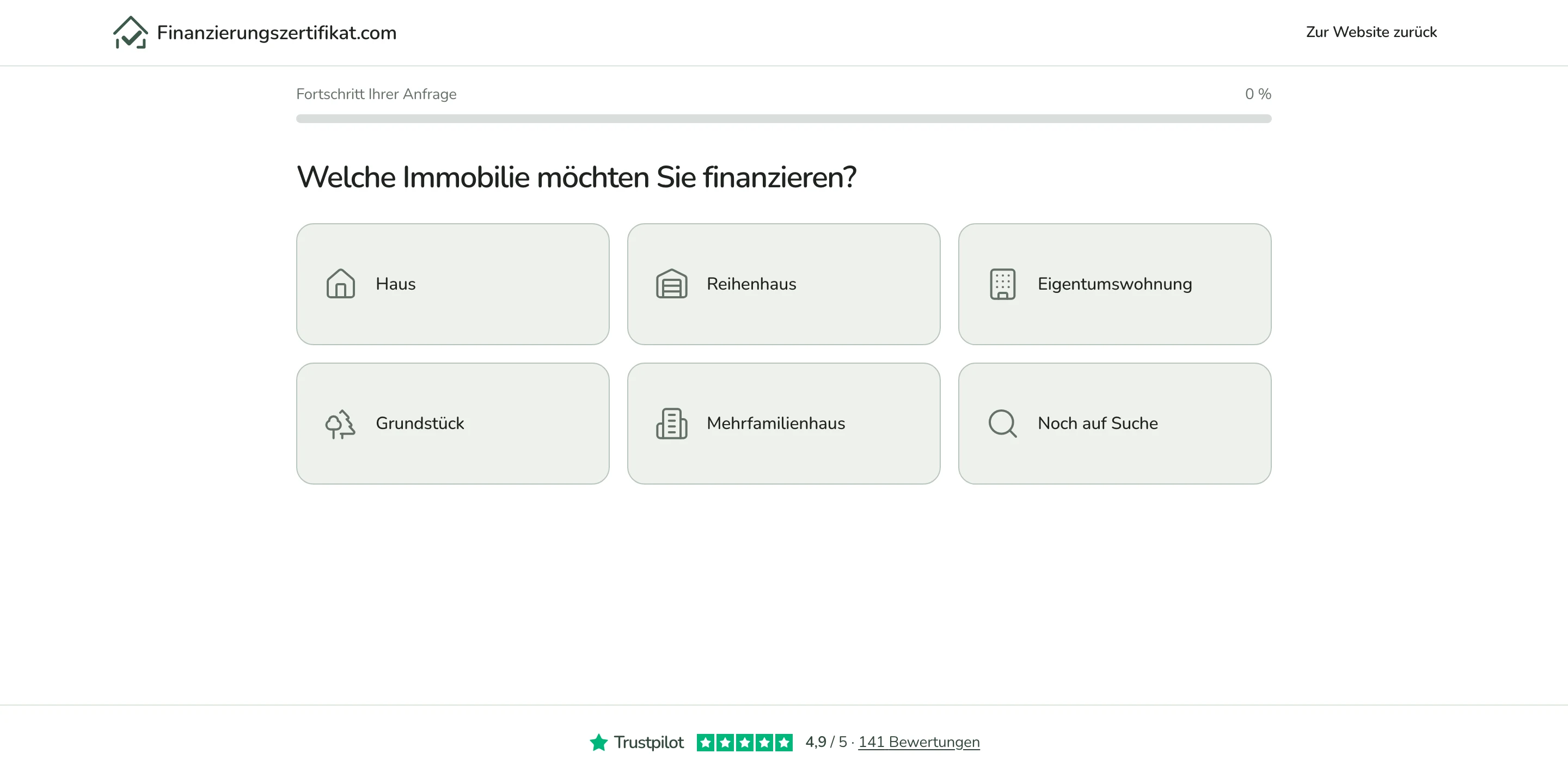
 finanzierungszertifikat.comRead the case study
What you get
Build focus
- Customer, member, partner, or internal team portals.
- Authentication, roles, permissions, and protected routes.
- Forms, file uploads, status tracking, and request workflows.
- Admin backends for reviewing submissions and managing users.
- Notifications, email flows, and reminders.
- Integrations with CRM, payment, analytics, and existing business systems.
Included
- Login and account management.
- Role-based portal navigation and protected content.
- Profile, onboarding, request, or application forms.
- File areas, document uploads, and review states.
- Admin dashboard for users, submissions, and workflow status.
- Email notifications and integration hooks.
The service deck as a PDF
The compact PDF for this service: starting point, approach, scope, and next step on three pages.
Get the deck by email
Enter your email address and the PDF lands in your inbox.
Frequently Asked Questions
- Can you build portals with different user roles?
- Yes. Roles and permissions are a core part of the portal plan, including what each user type can view, submit, edit, approve, or manage.
- Can users upload files and track status?
- Yes. File uploads, review states, status timelines, notifications, and admin review screens can all be part of the build.
- Can the portal connect to our CRM or backend?
- Yes. Integrations are planned around the systems you already use, such as CRM, payments, databases, email tools, analytics, and internal APIs.
Related work
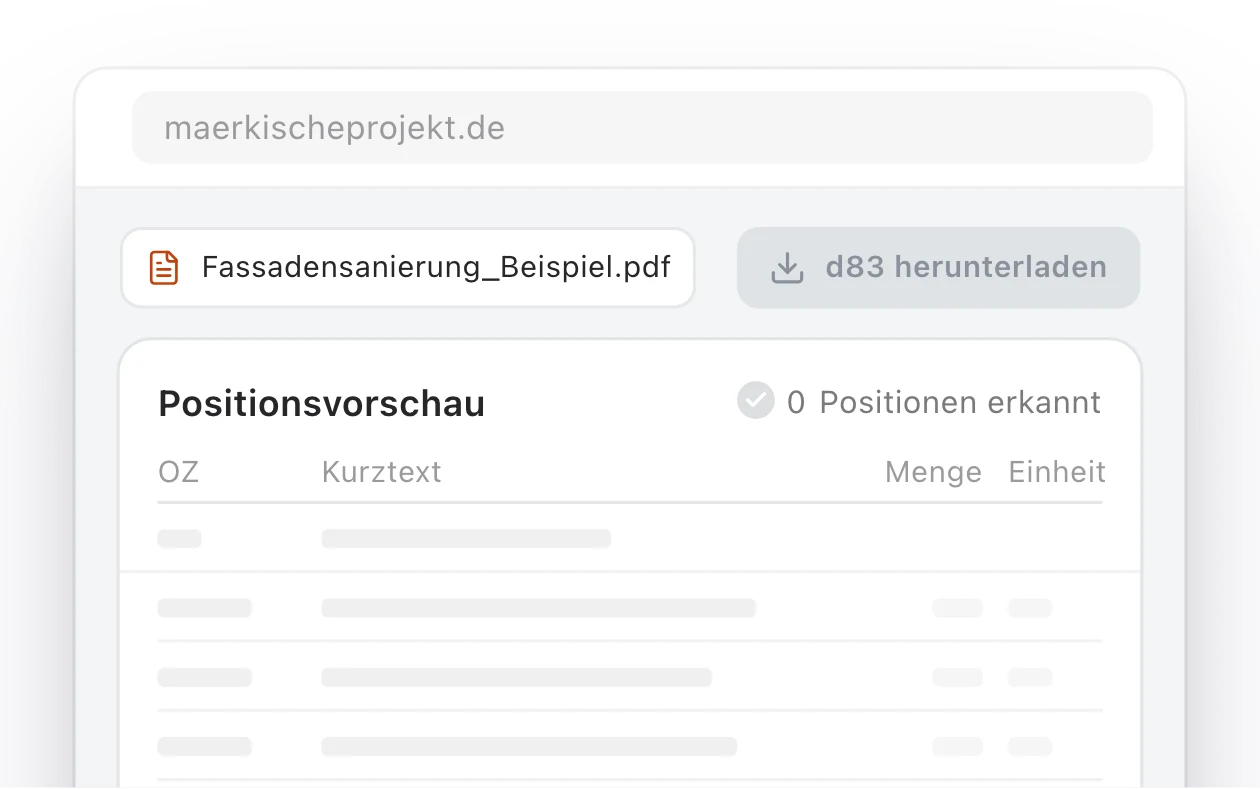
Märkische Projekt Bau: a relaunched website and in-house AI portal for a Brandenburg construction firm
How an outdated website became a modern web platform for Märkische Projekt Bau, and then grew into an internal AI portal that converts tender documents into GAEB files and calculates quantity takeoffs from construction plans.
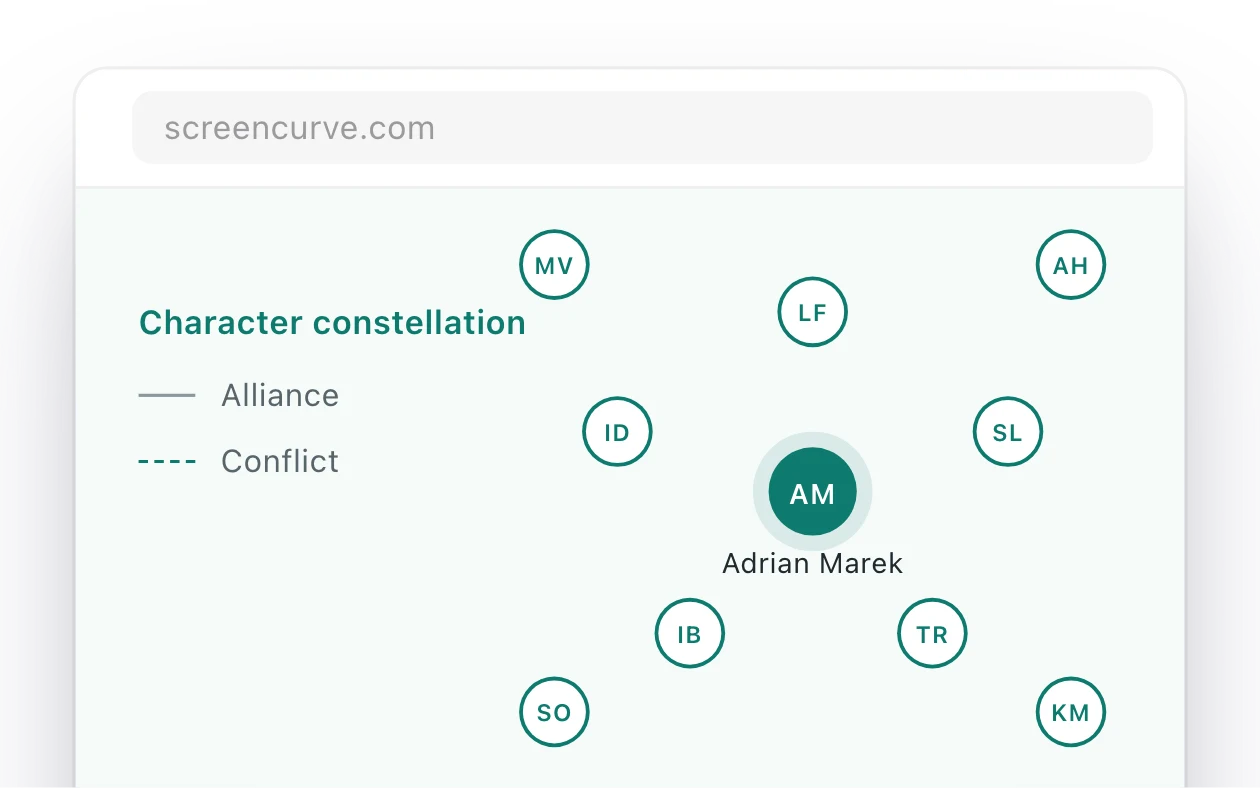
Screencurve: an app that watches an episode and writes its format bible
Screencurve analyses film and TV material and writes the format bible for an episode or a series. Every finding links to the timecode and frame it came from, so a producer can check it in the player.
A Claude Code Research Studio for a Documentary Producer
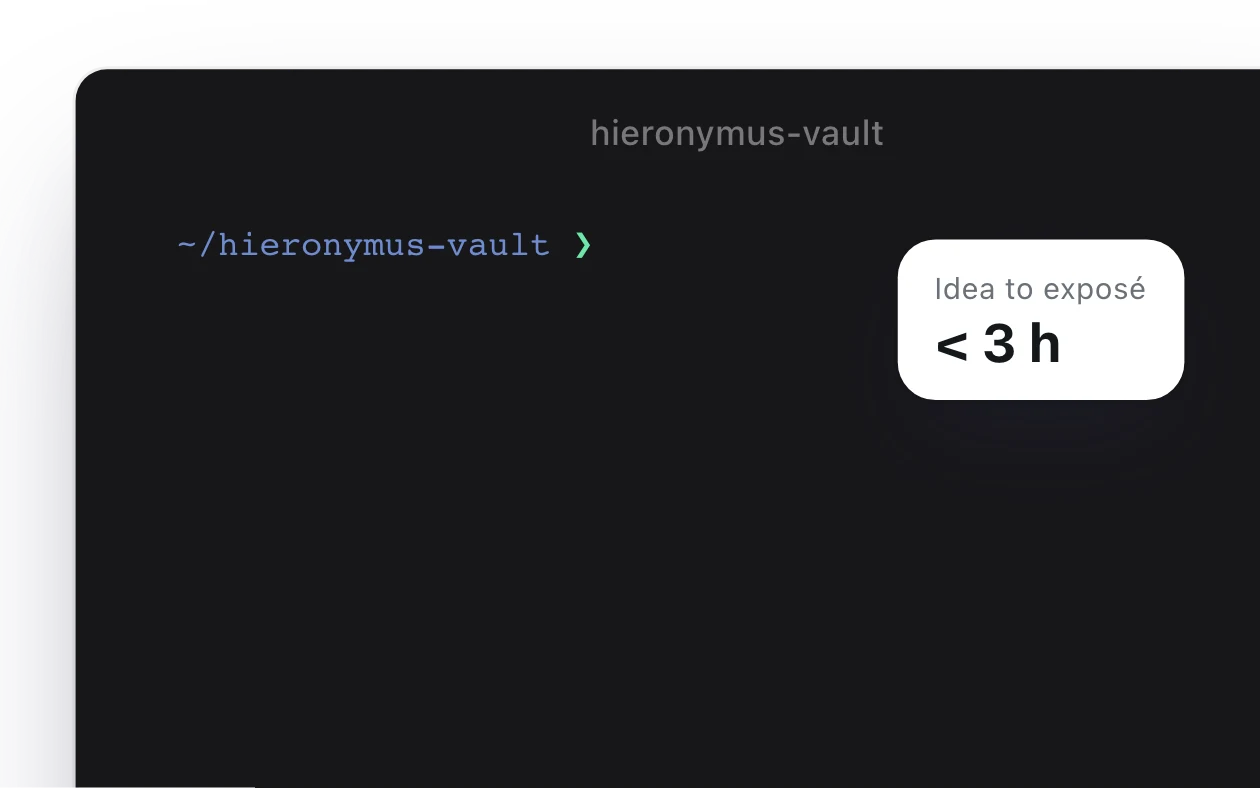
A private AI research and writing studio for a documentary producer pitching to Germany's largest public broadcasters. Hieronymus Vault combines an Obsidian-native knowledge base, a versioned stylometric corpus, custom Claude Code skills, and a multi-agent fan-out architecture. Idea to broadcaster-ready DOCX in under three hours. In his voice. Every claim source-traced.